
Product updates October 2026: talk instead of type
Voice input with live transcription, answers with charts and key figures, continuously synced Microsoft 365 knowledge, SAP and passkeys – the October 2026 product updates at a glance.

At a glance
- Voice inputTalk instead of type, transcribed live in Switzerland.
- Interactive answersCharts, key figures and editable email drafts.
- Microsoft 365 & SAPYour knowledge, continuously synced and connected.
- PasskeysSign in without a password – with your fingerprint or face.
Talk instead of type
When the input field is empty, the send button becomes a talk button. yeos transcribes live, phrase by phrase, and sends your question as soon as you stop talking. Transcription runs in Switzerland, and yeos detects the spoken language automatically.
On top of that come voice notes, drag-and-drop file uploads, and photos or screenshots whose text yeos reads directly. That makes yeos work on the go on your phone – on a construction site or between two meetings.
Answers you can work with right away
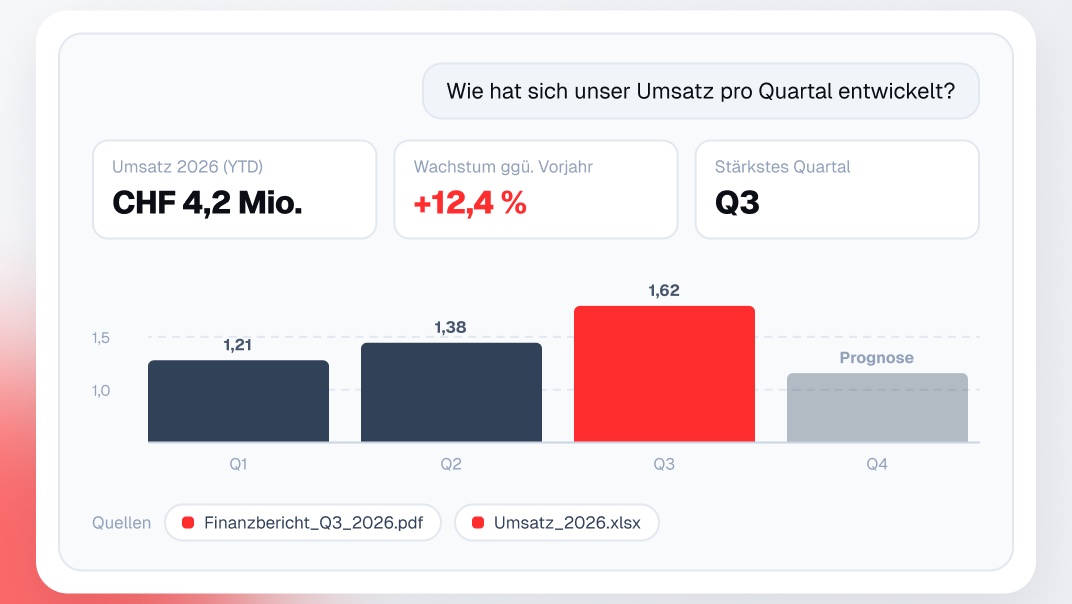
yeos no longer answers with text alone. When numbers are involved, charts, key figures and tables appear right in the answer – together with the sources they come from.
- Charts, key figures and tables directly in the chat.
- Email drafts you edit inside the answer before sending them.
- Follow-up questions through a short form when a question is unclear.
- Regenerate an answer, ask about a specific passage, or pick a suggested follow-up.
- Opening a cited PDF highlights the exact passage.
Latest improvements
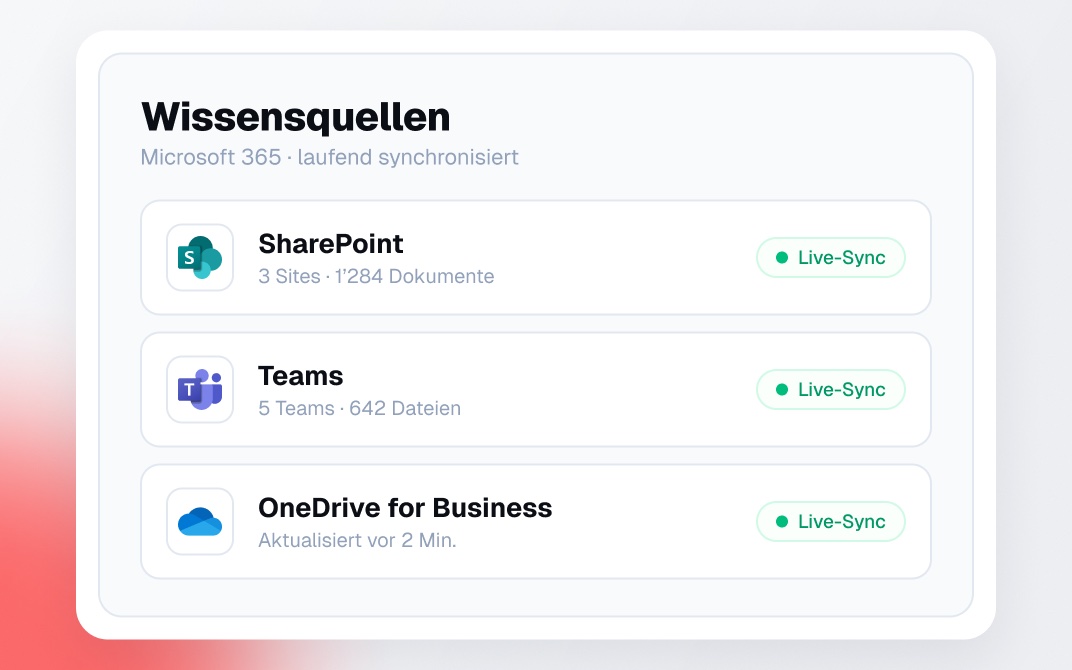
Knowledge sources
Microsoft 365, always up to date
SharePoint, Teams and OneDrive for Business are now separate knowledge sources and sync continuously. yeos picks up new and changed files automatically, without a manual import.
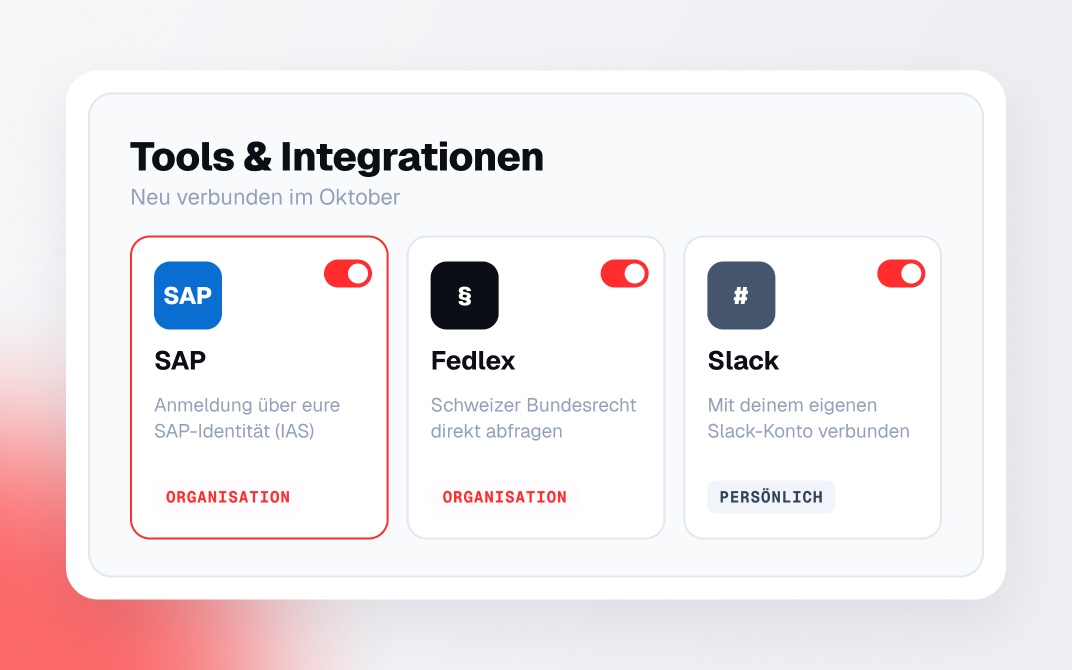
Integrations
SAP, Fedlex and personal accounts
Connect SAP for your whole organization through your existing SAP sign-in (IAS), or query Swiss federal law (Fedlex) directly. Every team member can also connect their own Slack account.
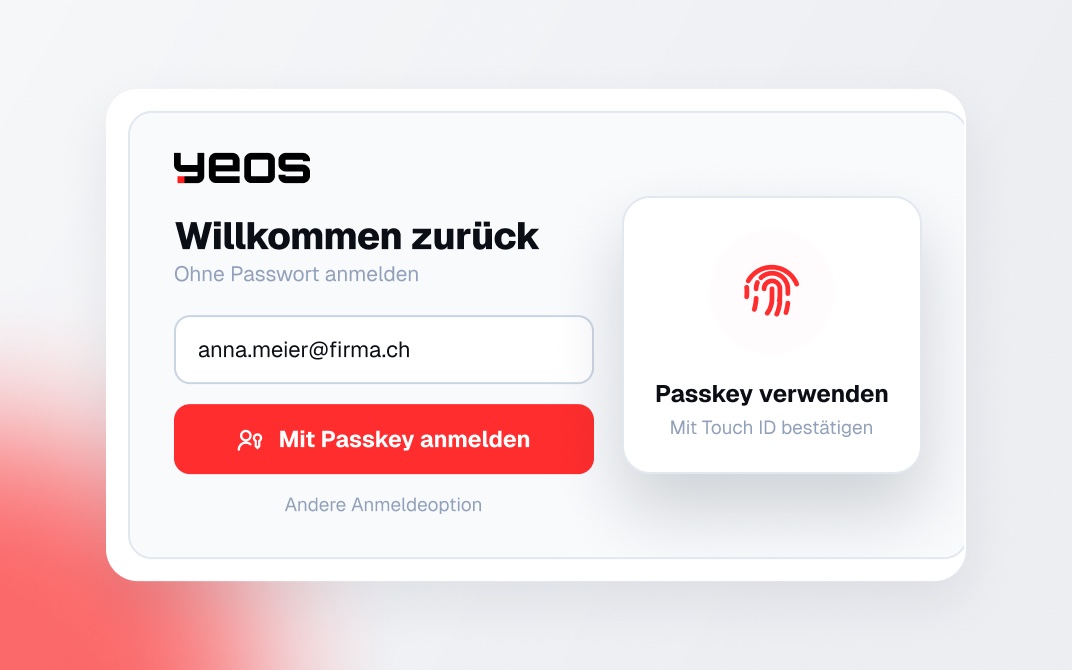
Security
Sign in with a passkey
Passkeys are now the default sign-in – no password, just your fingerprint, face or device. Two-factor authentication is also available to everyone.
Under the hood
- Two-factor overview for owners: in user management, organization owners can see which members have turned on two-factor authentication.
- Spreadsheets as real data: tables in XLSX files are now detected and stored as structured data, including units – so yeos answers questions about numbers more accurately.
- Pin and rename conversations: important conversations stay at the top of the sidebar. You can also set a default language for your organization.
What should we build next? Write to us at hello@yeos.ai – we read every message.
Read more